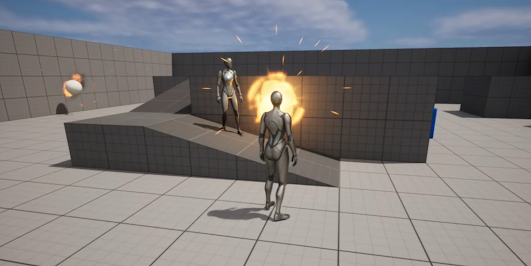
AR Build in Unreal Engine 5 for IOS device and talking about Particle Spawn Groups

Setting up an Augmented Reality (AR) project in Unreal Engine on a Mac and deploying it to an iPad is an exciting process that allows you to create immersive AR experiences. You can refer to this video for setting up certificates and other required authorization to proceed with the project: Here's a step-by-step guide to help you get started: Install Unreal Engine: Download and install Unreal Engine on your Mac by visiting the Epic Games website ( https://www.unrealengine.com/ ). Follow the instructions provided to set up and launch Unreal Engine on your Mac. Create a New Project: Open Unreal Engine and create a new project by selecting the appropriate template. For an AR project, you can choose either the "Blank" or "First Person" template and enable AR support. Enable ARKit Plugin: Unreal Engine uses Apple's ARKit framework for AR development on iOS devices. Enable the ARKit plugin by going to the "Edit" menu, selecting "Plugins," and ...